
































BI And Visualization 4.8

Data Visualization Using Tableau

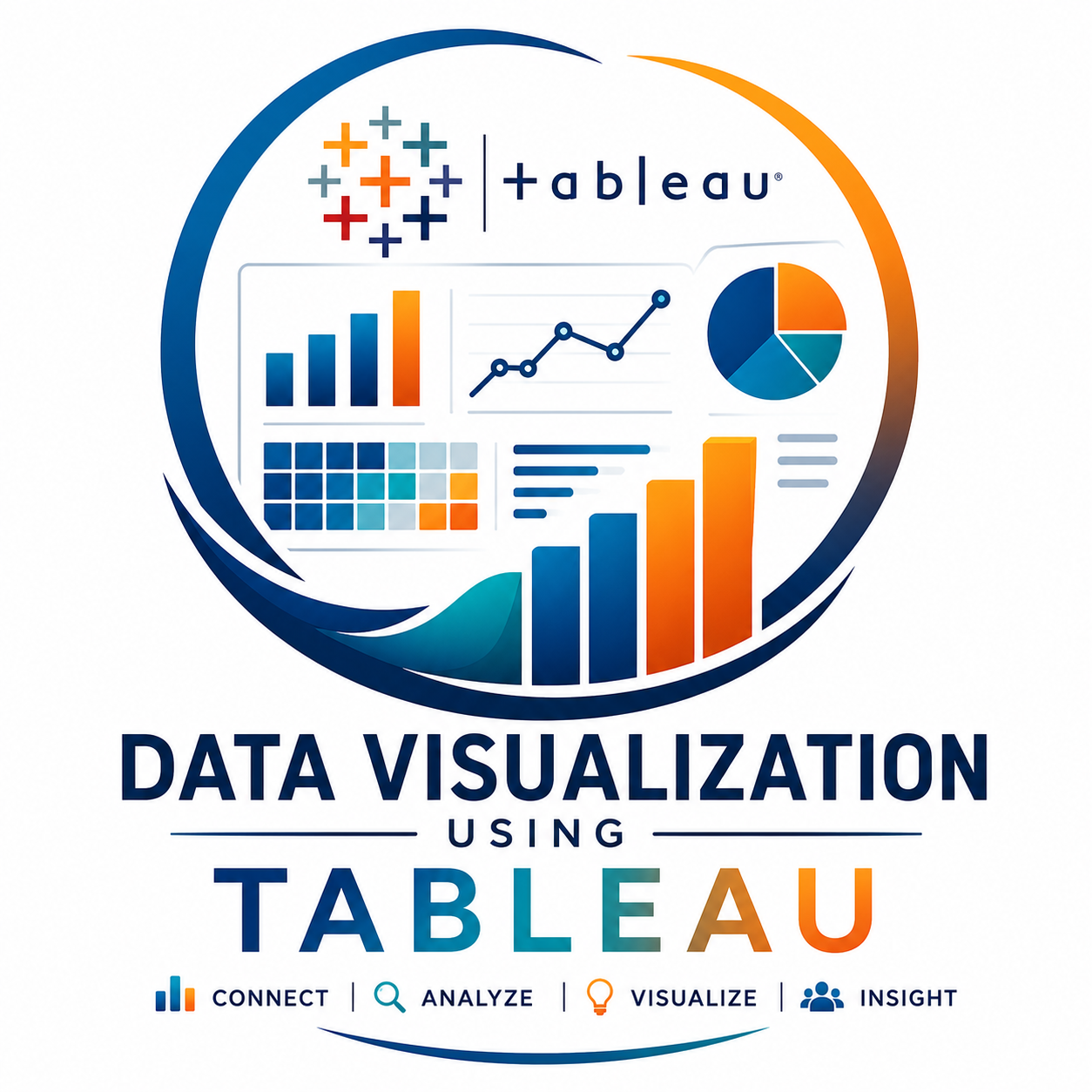
Data Visualization Using Tableau is a comprehensive, hands-on training program designed to help learners transform raw data into meaningful insights through interactive dashboards, reports, and visual analytics. The course covers Tableau fundamentals, data preparation, data model...
  • Live Instructor-Led Training
  • Hands-On Tableau Projects and Case Studies
  • Interactive Dashboard Development
  • Real-World Business Intelligence Scenarios
Data Visualization Using Tableau

Enroll in Next Cohort

Join professionals upskilling with Edutech.

₹34,999
  • Duration Flexible
  • Live Instructor-Led Training
  • Hands-On Tableau Projects and Case Studies
  • Interactive Dashboard Development
  • Real-World Business Intelligence Scenarios
Reserve My Seat Now

Overview

Data Visualization Using Tableau is a comprehensive, hands-on training program designed to help learners transform raw data into meaningful insights through interactive dashboards, reports, and visual analytics. The course covers Tableau fundamentals, data preparation, data modeling, chart creation, dashboard development, storytelling with data, and advanced visualization techniques. Participants will learn how to connect multiple data sources, create dynamic visualizations, build business intelligence dashboards, and generate actionable insights that support data-driven decision-making. This course is ideal for professionals seeking to develop practical data visualization and business intelligence skills using one of the world's leading analytics platforms

Prerequisites

  • Basic understanding of data and spreadsheets
  • Familiarity with Microsoft Excel is beneficial
  • Basic analytical and logical thinking skills
  • No prior Tableau experience required
  • Suitable for beginners and working professionals

Key Features

  • Live Instructor-Led Training
  • Hands-On Tableau Projects and Case Studies
  • Interactive Dashboard Development
  • Real-World Business Intelligence Scenarios
  • Data Visualization Best Practices
  • Practical Assignments and Exercises
  • Industry-Oriented Curriculum
  • Certificate of Completion

Curriculum

Module 1: Introduction to Tableau
  • Overview of Business Intelligence
  • Tableau Interface and Navigation
  • Connecting to Data Sources
  • Understanding Tableau Architecture
Module 2: Data Preparation and Management
  • Data Connections
  • Data Blending and Joins
  • Data Cleaning Techniques
  • Working with Different File Formats
Module 3: Tableau Fundamentals
  • Dimensions and Measures
  • Filters and Sorting
  • Groups, Sets, and Hierarchies
  • Calculated Fields
Module 4: Data Visualization Techniques
  • Bar Charts
  • Line Charts
  • Pie Charts
  • Scatter Plots
  • Maps and Geographic Visualizations
  • Heat Maps and Tree Maps
Module 5: Advanced Tableau Features
  • Parameters
  • Table Calculations
  • Level of Detail (LOD) Expressions
  • Forecasting and Trend Analysis
Module 6: Dashboard Design and Development
  • Dashboard Creation
  • Interactive Filters
  • Actions and Navigation
  • KPI Dashboards
  • Performance Optimization
Module 7: Storytelling with Data
  • Data Storytelling Principles
  • Business Reporting
  • Executive Dashboards
  • Insight Presentation Techniques
Module 8: Tableau Server and Sharing
  • Publishing Dashboards
  • Sharing Reports
  • Tableau Cloud and Tableau Server Basics
  • Data Security and Permissions
Module 9: Capstone Project
  • End-to-End Business Dashboard Development
  • Real-World Data Analysis Project
  • Dashboard Presentation and Review

Who Can Do

Ideal for
  • Data Analysts
  • Business Analysts
  • MIS Executives
  • Reporting Analysts
  • Data Visualization Professionals
  • Project Managers
  • Business Intelligence Professionals
  • Excel Users Looking to Upgrade Skills
  • Students and Fresh Graduates
  • Anyone Interested in Data Analytics and Visualization

FAQ

1. What is Tableau?

Tableau is a leading Business Intelligence and Data Visualization platform used to analyze data and create interactive dashboards and reports.

2. Do I need coding knowledge to learn Tableau?

No. Tableau is primarily a drag-and-drop visualization tool and does not require programming knowledge for most tasks.

3. What skills will I gain from this course?

You will learn data visualization, dashboard development, data analysis, business reporting, data storytelling, and interactive dashboard creation.

4. Is Tableau suitable for beginners?

Yes. The course starts with Tableau fundamentals and gradually progresses to advanced visualization and dashboard development techniques.

5. What industries use Tableau?

Tableau is widely used in Finance, Healthcare, Retail, Marketing, IT, Manufacturing, Logistics, Banking, and Consulting industries.

6. Will I work on real-world projects?

Yes. The course includes practical assignments, dashboard-building exercises, and a capstone project.

7. What career opportunities are available after learning Tableau?

You can pursue roles such as Data Analyst, Business Analyst, BI Analyst, Reporting Analyst, MIS Executive, and Data Visualization Specialist.

8. Can Tableau connect to different data sources?

Yes. Tableau can connect to Excel, SQL databases, cloud platforms, CSV files, Google Sheets, and many other data sources.

9. Is Tableau in demand?

Yes. Tableau remains one of the most sought-after business intelligence and data visualization tools globally.

10. Why should I learn Tableau?

Tableau helps professionals analyze data quickly, create impactful visualizations, support business decisions, and improve career opportunities in data analytics and business intelligence.

Enroll Now